Mobirisewebsite builder
Free offline website builder for Mac, Windows and Linux, with AI built in. Generate a website from a text prompt, then edit it in chat or in the familiar visual editor, on your computer or online in the browser. No code. Publish anywhere.
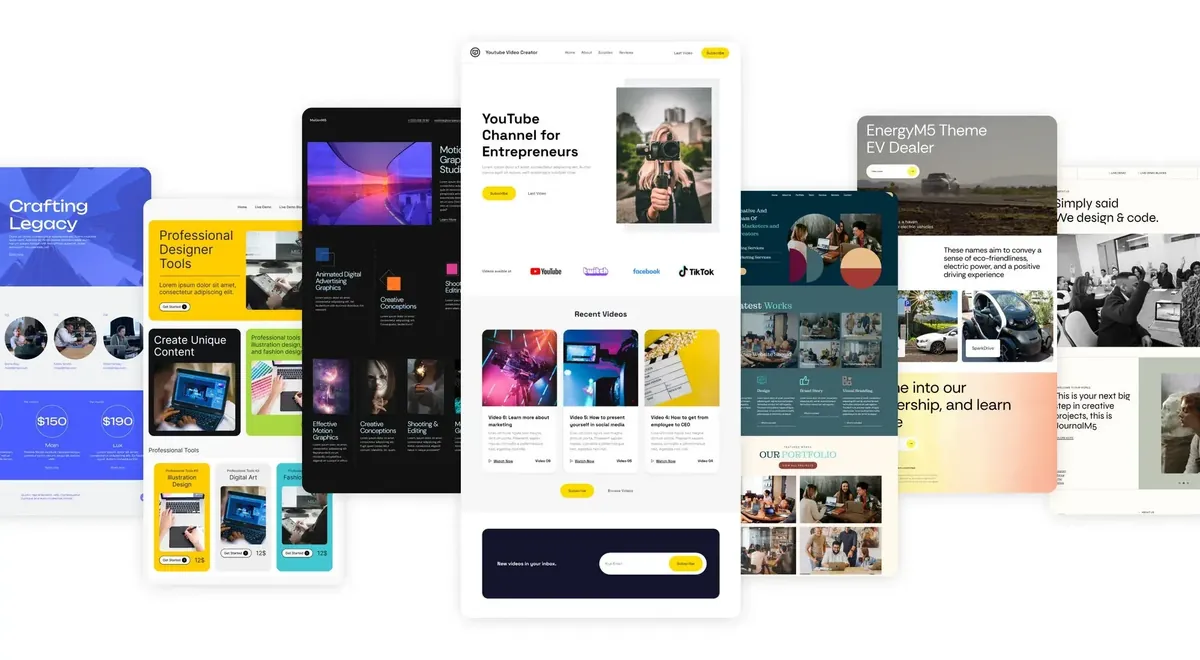
How to make a website with Mobirise
Four steps from an idea to a site that's online. The first version usually takes less than a minute; the rest of the time goes to the details that matter to you.
Describe your site
Write a sentence or two about the business, event or portfolio you need, in any language. You can also upload a sketch, a mockup or a screenshot of a page you like.
Pick a design
Mobirise AI makes four versions at once, each with its own layout, colors and fonts. Keep the one that fits, or generate new ones as many times as you want.
Make it yours
Ask for changes in chat, like "make the header darker" or "add a price list", or open the visual editor and change any block by hand.
Publish
Put the site on a free Mobirise subdomain, connect your own domain or upload it to your hosting. The code is yours to export at any time.
What Mobirise AI does for you
Create with AIThe AI doesn't stop at the layout. It fills the site with text, pictures and video, keeps helping while you edit, and takes care of the parts most people skip.
Writes the text
Headlines, service descriptions and calls to action that fit your business and tone, so you don't start from an empty page.
Makes the images
Describe a picture and get one generated in the colors of your site, instead of hunting for stock photos that almost fit.
Creates short videos
Hero and banner videos with text on top and background music, made from the content of your site.
Turns pictures into pages
Upload a hand-drawn sketch, a mockup or a screenshot. The AI reads the structure, colors and fonts and rebuilds it as an editable page.
Edits by chat
Type what you want changed, from a button color to a new testimonials section, and see it applied right away.
Redesigns in one click
Try a new look with different colors, fonts and layouts while all your content stays where it is.
Improves your copy
Rewrites paragraphs to be clearer, shorter or more persuasive, and adjusts the tone for the people you want to reach.
Translates the site
Turns a section or the whole site into other languages and keeps the meaning and tone of the original.
Builds online stores
Describe what you sell and get product pages, a cart and checkout, with product descriptions written for you.
Sorts your leads
Smart contact forms group incoming requests and summarize them, so you can answer the important ones first.
Handles SEO
Page titles, meta tags and a clean structure for Google and AI search are set up while the site is generated.
Gives design advice
Tips on colors, structure and common mistakes as you build, like having a designer look over your shoulder.
In the browser or on your computer
It's the same Mobirise either way, with the same editor, AI and themes. The desktop app adds one thing: it's an offline website builder, so you can keep working without internet.
Desktop app
A desktop website builder app for Windows, Mac and Linux. Keeps working without internet; AI and publishing are available when you're online.
Download the appIn both
- Generate a site from a text prompt, a sketch or a screenshot
- Edit in chat or in the visual editor
- 10,000+ blocks in free and premium themes, plus unlimited AI designs
- Publish to your own hosting, a free Mobirise subdomain or your custom domain
- Export the code: clean HTML, CSS and JS
- Fast, mobile-friendly sites, ready for Google and AI search
Why use an offline website builder
Many website builders live only in a browser tab. Mobirise is also website builder software you install, with the whole editor on your computer, and that changes a few practical things.
No connection needed
Keep editing on a train, on a plane or with a weak signal. Generating with AI and publishing wait until you're back online.
Projects are your files
Every site is saved in a folder on your disk, so you can back it up, copy it to another computer or keep versions the way you like.
Fast to work with
Pages open and change locally, without waiting for a server, even in large projects with many pages.
Client work stays with you
Drafts for clients stay on your machine until you decide to publish them, on their hosting or yours.
The app is free
Download it for Mac, Windows or Linux and use it for personal and commercial sites. Premium themes and extensions are optional.
Nothing locks you in
Export clean HTML, CSS and JavaScript at any time and open them in any other editor.
Drag-and-drop visual editor
When you'd rather change things by hand, Mobirise works as a drag-and-drop website builder: everything on the page is a block you can move, edit and set up without touching code.
Build pages from blocks
Drag ready-made blocks onto the page: menus, headers, galleries, sliders, price tables, forms and footers. Then click any text to type over it, and click any image or video to replace it with your own.
Set up each block
The gear on every block opens its parameters: size, background, which elements to show, colors and layout options. Changes appear on the page as you make them.
Check every screen
Switch between phone, tablet and desktop while you work. Blocks adapt on their own, so there's no separate mobile version to design and keep in sync.
Features for real websites
A business card site, a portfolio, a blog or a small shop: the blocks and extensions for each are already there.
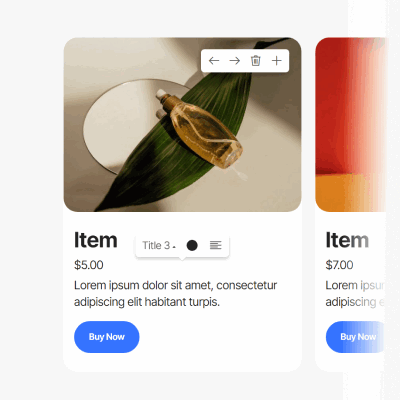
Shop blocks
Product cards with photos, prices and descriptions. Orders can come straight to WhatsApp.

Smart Cart
A full shopping cart with checkout through PayPal and Stripe, added to any page.
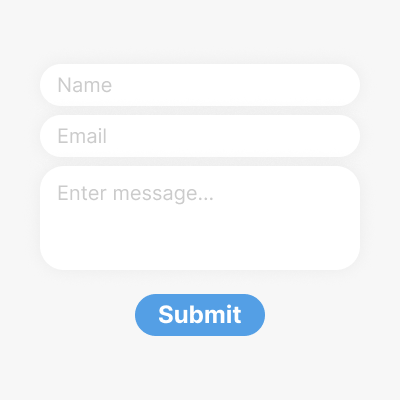
Contact forms
Build the form you need and get each submission by email as soon as the site is live.

Chat button
Let visitors write to you in Telegram, WhatsApp, Viber, Messenger, Discord or Signal.

Galleries and sliders
Photo grids, lightboxes and sliders for photographers, illustrators, shops and portfolios.

Social feeds
Pull in recent posts from Instagram or Facebook and the newest TikTok or YouTube videos.
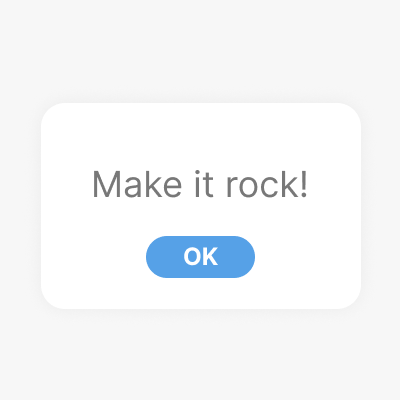
Popups
Announce a sale, an event or a newsletter in a popup window.
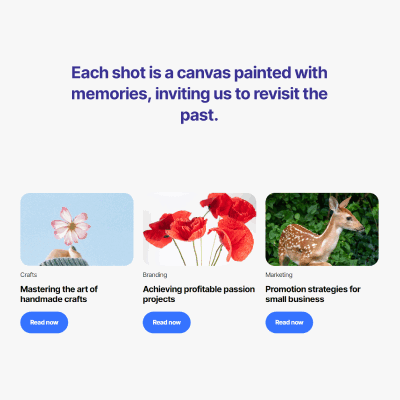
Blog blocks
Blocks for latest posts, articles and news, ready to fill.

Image editor
Crop, flip and resize pictures, or take one from the free image library.
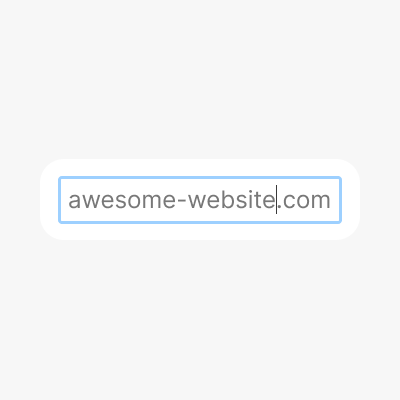
Your own domain
Start on a free subdomain and connect your own domain whenever you're ready.
Multilingual sites
Add language versions of your site and let the AI translate the text, keeping the tone of the original.
<h1>Your code</h1>
</section>
Code editor
Need more control? Edit HTML and CSS by hand, add plugins and create your own blocks.
Publish where you want
Your site isn't tied to one service. Start on a free address, move to your own domain or hosting when you're ready, and take the code with you whenever you like.
A free subdomain
Put the site online in one click on a free subdomain at mobirisesite.com. Good for a first version or a quick event page.
Your domain
Connect a domain you already own. DNS and the SSL certificate are set up for you.
Your hosting
Upload the site to any hosting by FTP, publish it to GitHub Pages, or save it to a folder on your computer.
Your code
Export clean HTML, CSS and JS that don't depend on Mobirise. Edit them in any other editor and host them anywhere.
Websites made with Mobirise
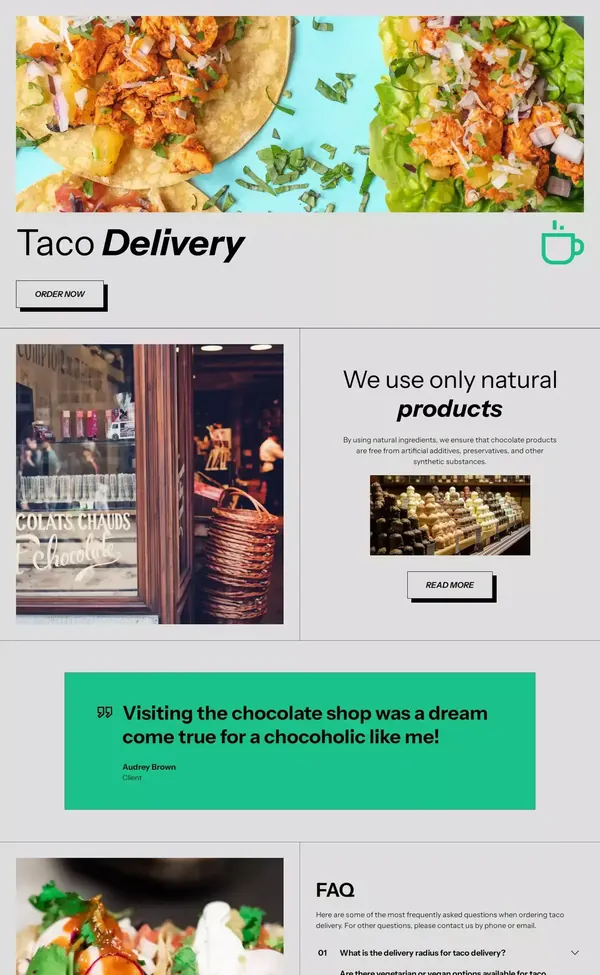
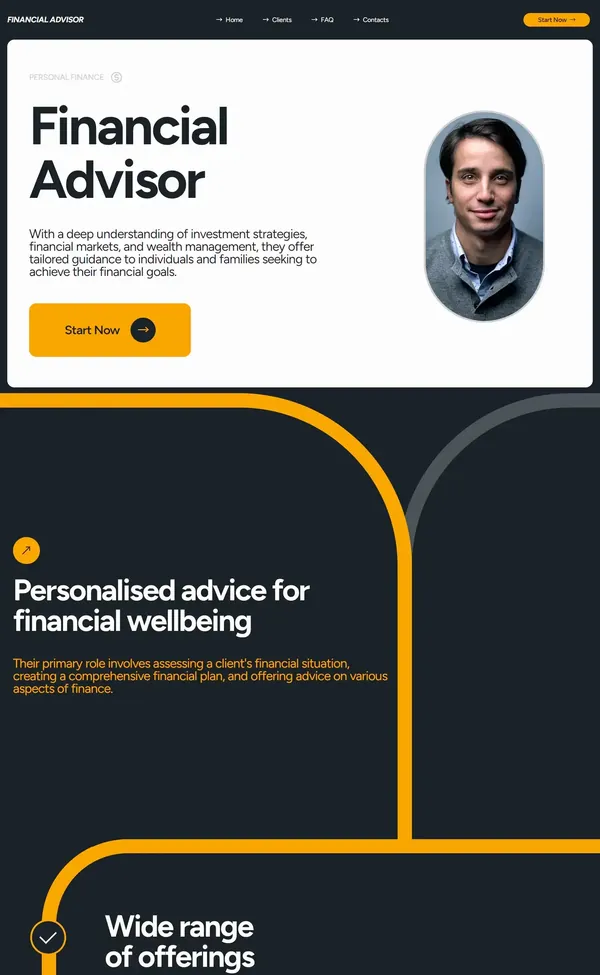
Every theme comes with hundreds of blocks in one style, for businesses, studios, schools, shops and personal pages. Hover over a site to see the whole page.
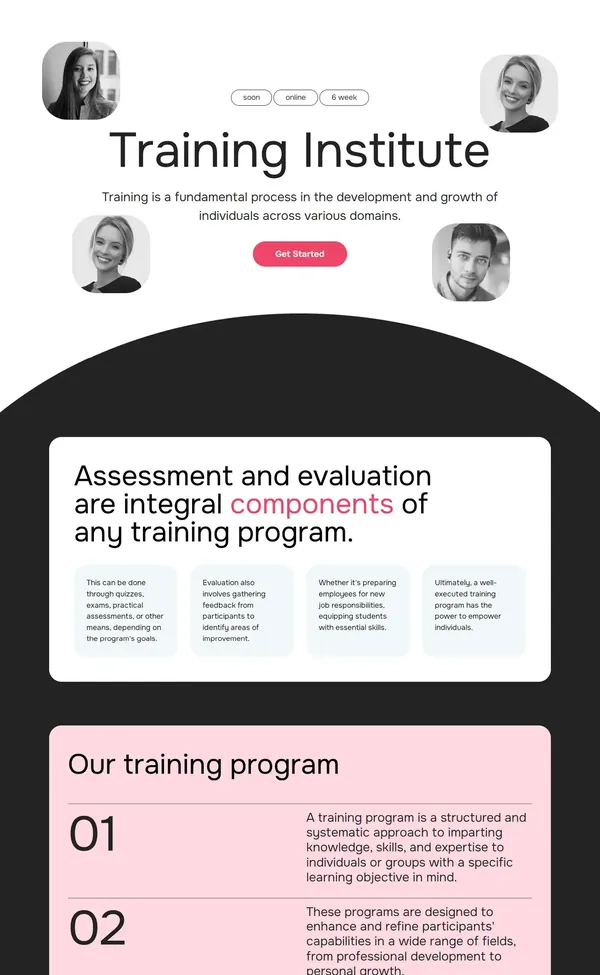
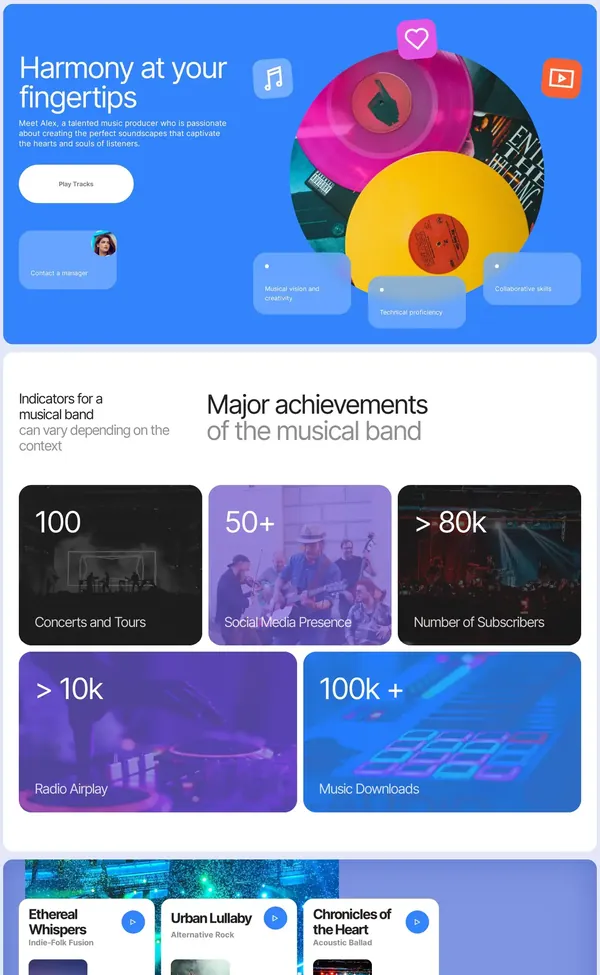
What you can build with Mobirise
Start from a prompt or a theme, and add only the blocks and extensions the site needs.
Business sites
Pages for services, team, prices and contacts, with a contact form and a map. Change prices or opening hours yourself in a minute.
Online stores
A product catalog with a cart and PayPal or Stripe checkout, or a simple order button that sends requests to WhatsApp.
Portfolios
Galleries, case studies and a contact page for photographers, designers, illustrators and architects.
Landing pages
One page for a product launch, an app, a course or a campaign, with a clear call to action and a signup form.
Events
Program, speakers, venue and registration for conferences, weddings, parties and meetups.
Education
Course pages, schedules and teacher profiles for schools, tutors and training centers.
Blogs and personal sites
Articles, news and an about page, with your latest Instagram, TikTok or YouTube posts.
Sites for clients
Free for commercial use, with code you can export and host anywhere, so you can hand a finished site over to a client.
Mobirise reviews
Reviewers have written about Mobirise for years, and people who build sites every day keep coming back to it.
"Those looking for a powerful yet beginner-friendly website builder program will appreciate Mobirise."
 Daniel BlechyndenTom's Guide
"No matter what your skill level, Mobirise will help you build the website of your dreams."
 Catherine HileyCybernews
"Mobirise is a dream to use."
 Mike JohnstonCMS Critic
"…whether you want to create a landing page, a blog, a portfolio, or anything else, ai.mobirise.com can help you achieve it in SECONDS."
 Kelsey TaylorForeign Recipe
"Need a mobile-friendly, SEO-optimized, HTML, CSS, and JavaScript based site without breaking a sweat? Without paying a cent?"
 Mark GibbsNetworkWorld
"This is absolutely one of the easiest software for website development."
 Alex IvanovsHuffPost
2.5 million people build with Mobirise
Designers, agencies, small businesses, teachers and people making their very first site.

"I have been using mobirise to create my websites since 2016… I've tried several other web builders over the years and have always come back to using mobirise!"Tony B.
"I am basically a Graphic Designer, not trained to build websites… with this amazing easy to use platform, I am able to create stunning websites so easily & quickly, without paying any extra to web developers."Sijo G.
"I did not want to change my host as I own my domain and am satisfied. This was a great way to retain my hosting, while utilizing excellent software."Christopher M.
Download Mobirise for Windows, Mac and Linux
A free website builder for Mac, Windows and Linux, for personal and commercial use. It works as offline website builder software; AI and publishing need an internet connection.
Prefer not to install anything? Open it in the browser
Intel-based Mac? Get the Intel version · All versions
Mobirise FAQ
What is Mobirise?
Mobirise is a free website builder with AI. It runs as desktop software on Mac, Windows and Linux, where it also works offline, and online in any browser. You describe a site and the AI generates it, or you assemble it from ready-made blocks in a visual editor, then publish it on a free subdomain, your own domain or any hosting.
Is Mobirise free?
Yes. Mobirise is free for personal and commercial use, and you can build and publish sites without paying. Two free themes with more than 200 blocks are included. Premium themes, extensions and paid plans add more designs and features when you need them.
How do I download Mobirise for Mac or Windows?
Pick your system in the download section above: Windows, Mac (Apple Silicon or Intel) or Linux (a .deb package for Debian and Ubuntu). Older versions are on the version history page. The download is free. Install the app, open it and start building; the desktop version works offline, and AI and publishing need an internet connection. You can also skip the download and use Mobirise in any browser.
Are Mobirise AI and the desktop app different products?
No, it's one Mobirise with the same editor, AI and themes. In the browser it works on any device with nothing to install. The desktop app is the same builder for Windows, Mac and Linux, and a site made in one opens in the other.
Do I need to know how to code?
No. You can describe the site to the AI and edit it in chat, or drag blocks and type over the text in the visual editor. If you do know HTML and CSS, the Code Editor extension lets you change the code and add your own blocks.
Can I use Mobirise as an offline website builder?
Yes, in the desktop app for Windows, Mac and Linux. Projects are stored on your computer, so you can edit them anywhere. Generating with AI, publishing, updates and downloading new themes need an internet connection.
How does the AI build a site?
You write a short description of the site, or upload a sketch or screenshot. The AI creates four versions with text, images and layout. You pick one, ask for changes in chat or edit it by hand, and publish when you're happy with it.
Can I try it without creating an account?
Yes. You can enter a prompt and see the generated designs without signing up. To save a project, keep editing it or publish it, you'll need a free account.
Where can I publish my site?
On a free Mobirise subdomain, on your own domain, or on any hosting you already use: by FTP, to GitHub Pages, or by uploading the files from a local folder yourself.
Can I export the code?
Yes. Every site can be exported as standard HTML, CSS and JavaScript files that don't depend on Mobirise. You can host them anywhere and edit them in any other editor.
Will my site work on phones and show up in search?
Sites are mobile-friendly by default and adapt to phones, tablets and desktops. They load fast and come with titles, meta tags and a clean structure for Google and AI search. You can fine-tune the SEO settings for each page.
Can I build an online store?
Yes. Shop blocks show products with prices and descriptions, Smart Cart adds a cart with PayPal and Stripe checkout, and orders can also come straight to WhatsApp. The AI can generate a store from a description of what you sell.
Can I use my own photos and videos?
Yes. Click any image or video in a block to replace it with your own file. You can crop, flip and resize pictures in the built-in image editor, take one from the free image library, or have the AI generate an image that matches your site.
In which languages can I make a site?
Describe your site to the AI in any language, and the text is written in that language. If your visitors speak different languages, the AI can translate a section or the whole site and keep the tone of the original.
What are themes and extensions?
A theme is a set of blocks designed in one style: menus, headers, galleries, forms, footers and more. Extensions add features such as Smart Cart, the Code Editor, social feeds and the chat button. Two themes are free; other themes and extensions are paid and optional.
Can I make sites for my clients?
Yes. Mobirise is free for commercial use. You can build a site for a client, publish it on the client's domain or hosting, or export the code and hand it over.
What happens to my site if I stop using Mobirise?
A site on your own hosting is a set of plain HTML, CSS and JavaScript files, so it keeps working. You can export the code of any project at any time and edit it with other tools.
Can I connect my own domain?
Yes. Connect a domain you already own, or start on a free Mobirise subdomain and add your domain later. DNS and the SSL certificate are set up for you.
How is Mobirise different from other AI website builders?
Three things. You can export the full code and host the site anywhere. You aren't limited to chat, because the same site opens in a visual editor where you change any block by hand. And there's desktop website builder software for Windows, Mac and Linux that keeps working offline.
Can I edit a site that wasn't made in Mobirise?
Not directly. Mobirise opens projects made in Mobirise, not HTML files from other tools. You can bring over parts of an existing site with the Code Editor extension, or describe it to the AI, or upload a screenshot, and get it rebuilt as an editable Mobirise site.
Start your website
Describe it to the AI in the browser and see four designs in less than a minute, or download the free app and build it block by block. You can always switch between the two.